Automate Your SEO Competitor Analysis
Learn how to automatically monitor competitor websites for SEO changes, content updates, and strategy shifts.

PageDrifter Team
The team behind PageDrifter, building the best website change detection tool.
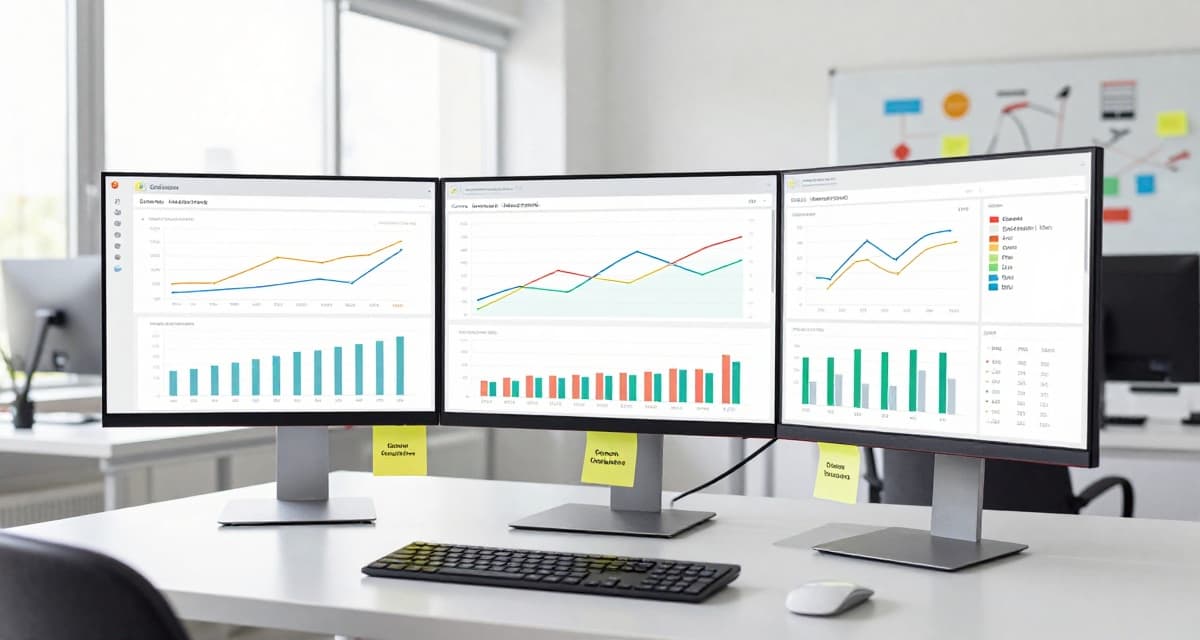
SEO is a constant race. Your competitors are always updating their content, adjusting their strategies, and trying to outrank you. Manual competitor analysis is time-consuming and often outdated by the time you act on it.
What to Monitor for SEO
On-Page Elements
Track changes to competitor pages:
- Title tags - Keyword targeting shifts (see Google's SEO starter guide for best practices)
- Meta descriptions - Messaging changes
- H1 headings - Topic focus changes
- Content length - Depth of coverage
- Internal links - Site structure changes
Content Strategy
Monitor for new and updated content:
- Blog post frequency
- New landing pages
- Resource/guide sections
- FAQ pages
- Product descriptions
SEO Insight
When a competitor suddenly updates multiple pages targeting the same keyword, they're likely preparing for a ranking push. Early detection lets you respond proactively.
Setting Up SEO Monitoring
Priority Pages to Track
| Page Type | Why Monitor | Frequency |
|---|---|---|
| Homepage | Core messaging & keywords | Daily |
| Top landing pages | Conversion optimization | Daily |
| Blog/resource pages | Content strategy | Daily |
| Product pages | Feature positioning | Weekly |
Step-by-Step Setup
- Identify top 5 competitors by searching your main keywords
- List their key pages - homepage, top-ranking pages, blog
- Add monitors for each page in PageDrifter
- Set daily checks for important pages
- Create alert rules for significant changes
Analyzing Changes
What Different Changes Mean
Title tag changes:
- New keyword targeting
- Brand positioning shift
- A/B testing in progress
Content additions:
- Responding to search intent
- Targeting new keywords
- Improving comprehensiveness
New pages:
- Expanding into new topics
- Targeting new keywords
- Product/service launches
Competitive Win
An agency used PageDrifter to monitor a client's main competitor. They detected a complete homepage rewrite targeting new keywords 2 days after launch, allowing the client to adjust their strategy before losing rankings. Using noise filtering kept alerts focused on meaningful SEO changes.
Advanced Monitoring Strategies
Track Schema Markup
Monitor competitor pages for structured data changes:
- Review snippets
- FAQ schema
- Product schema
- Article schema
Monitor Backlink Pages
Track pages where competitors are building links:
- Guest post targets
- Resource pages
- Industry directories
Watch for Technical Changes
Set up monitors for:
- robots.txt changes
- Sitemap updates
- Core page speed metrics pages
Creating Your Monitoring Dashboard
Organize your competitor monitoring by:
- Company - Group all monitors by competitor
- Page type - Separate homepage, blog, product monitors
- Priority - High-frequency vs. weekly checks
- Keyword focus - Group by target keyword
Actionable Insights
When you detect changes, ask:
- What keywords are they now targeting?
- What content are they adding/removing?
- How does this affect our strategy?
- Should we create competing content?
- Are they testing something we should try?
Conclusion
Automated SEO competitor monitoring transforms reactive analysis into proactive strategy. Instead of quarterly audits, you get real-time intelligence on competitor moves.
Start monitoring competitors for free and stay ahead in the SEO race.
Related Articles

How to Monitor Competitor Pricing in 2025
Learn how to set up automated price monitoring for your competitors and get instant alerts when they change their pricing strategy.

How to Monitor SaaS Changelog and Release Notes Automatically
Stay ahead of breaking changes and new features from the tools you depend on. Learn how to set up automated monitoring for SaaS changelogs and release notes.

Track Job Postings Automatically
Never miss your dream job again. Learn how to monitor company career pages and get instant alerts when new positions open up.
Ready to Start Monitoring?
Set up your first website monitor in under 10 seconds. Free forever for 3 monitors.
Start Monitoring Free